- Home
- Smart Services
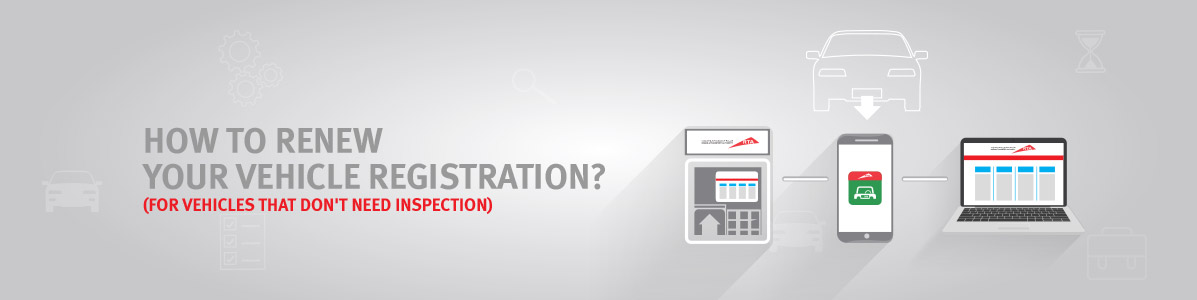
How to renew your vehicle registration?
(For vehicles that don't need inspection)
Channel 1: Website
Renew Vehicle Registration via Internet
- Insure your Vehicle beforehand
- Visit www.rta.ae and click on Renew Vehicle Registration and apply for the service
- Choose the most convenient way to get the permanent card delivered to you
- Pay any fines and/or transaction fees
- Receive your temporary registration card
Channel 2: Smart Application
Renew Vehicle Registration via “ Drivers & Vehicles” app
- Insure your Vehicle beforehand
- Download the “
Drivers & Vehicles” app from the app store
- Register yourself or continue as a guest
- Go to Vehicle and select Vehicle Registration
- Apply for the service Renew Registration
- Choose the most convenient way to get the permanent card delivered to you
- Pay any fines and/or transaction fees
- Receive your temporary registration card
Channel 3: Smart kiosk
Renew Vehicle registration via the smart self-service kiosk
- Insure your Vehicle beforehand
- Click on e-services, Click on Vehicle Renewal
- Enter your Vehicle information
- Pay any fines and/or transaction fees
- Receive a new original registration card directly printed through the smart self-service kiosk
.gif)